Get Windows XP Mode Without Hardware Virtualization

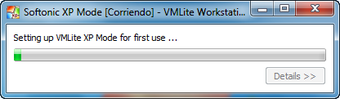
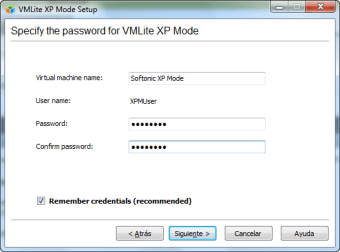
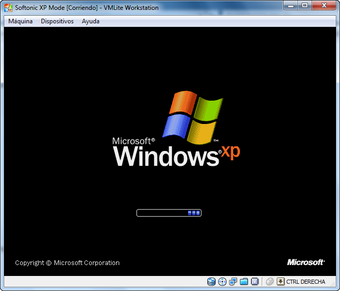
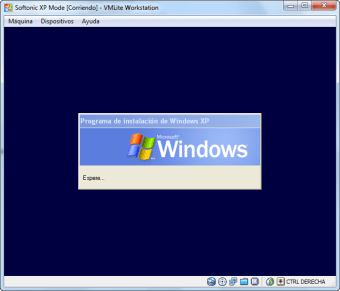
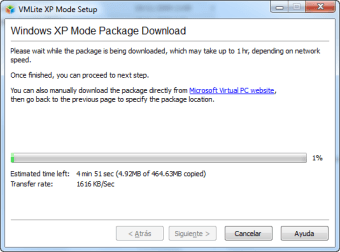
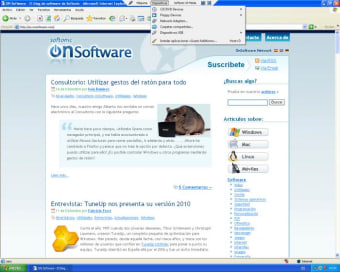
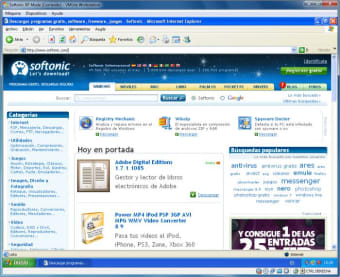
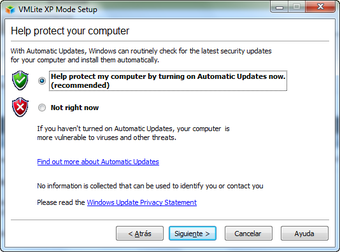
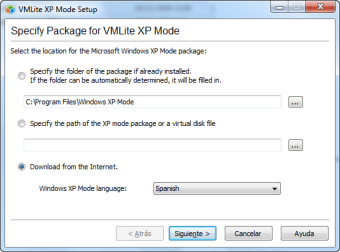
VMLite XP Mode is a program that offers functions similar to Windows XP Mode. However, it does not need any hardware virtualization. It lets you run Windows XP simultaneously from your desktop. VMLite is snappy, offers great graphics and works with 2D/3D acceleration. It also supports 64-bit guests, several virtual CPUs, etc. Therefore, even if you have AMD-V or VT-x installed, VMLite XP Mode is worth giving a shot. People who have never heard of tools like VMLite XP may think using such a tool could be a bit too complex. But that isn’t the case as installing and getting up and running with this tool is as easy as it gets.


Top Recommended Alternative

  • Pros

    • Snappy and efficient
    • Offers several options
    • Bug-free
    • Easy installation process
  • Cons

    • Networking may not work properly
    • Doesn’t manage proxies well
    • Cannot run legacy apps
    • Unsigned drivers issue
 0/9

App specs

  • License

    Free

  • Version

    3.2.6

  • Latest update

  • Platform

    Windows

  • OS

    Windows 8

  • Language

    English

  • Downloads

    41.1K

    Last month's downloads

    • 58
  • Size

    68.25 MB

  • Developer

Program available in other languages


User reviews about VMLite XP Mode

3.5

1 reviews

Add review

Main reviews for you

  • Anonymous user

    Quick & Easy. Im an A+ certified technician but, I dont work in IT rather Networking. I have a laptop with windows7x64 and needed to use x86 32bit mode operating system for remote access for work. I wanted to find something easy and free. VMlite is it! Pros: Easy install, download, run, option 3 installs XP mode. Cons: Lacking some options you might see in Virtualbox or VMware but, this is out weighed by the ease of install it was way too simple and could easily recommend this to anyone without computer or Operating System knowledge.

More

You may also like

Alternatives to VMLite XP Mode

Explore Apps

Latest articles

Laws concerning the use of this software vary from country to country. We do not encourage or condone the use of this program if it is in violation of these laws.

Softonic

Is VMLite XP Mode safe?

100/100

Score result: Clean

This file passed a comprehensive security scan using VirusTotal technology. It is safe to download.

  • Virus free
  • Spyware free
  • Malware free
  • Verified by Security Partners

    VirusTotal logo

Scan Info

Last scan
Thursday, May 2, 2024
Scan provider
VirusTotal · Full report

File Integrity

File
VMLiteWorkstationSetup.exe
SHA256
82e8113594b2d8a4e9f7950839e574a9a16624dbef7721ed67630cb8d8aca26a
SHA1
920e6cc3de5c409e8dbf7687f93b9e6786845e2e

Softonic security commitment

VMLite XP Mode has been thoroughly scanned by our advanced security systems and verified by industry-leading partners. This file comes from the official developer and has passed all our security checks, showing no signs of viruses, malware, or spyware. For more information, visit our Security and Trust Center